Open Help
- Click on the icon
 .
- The online help is opened.
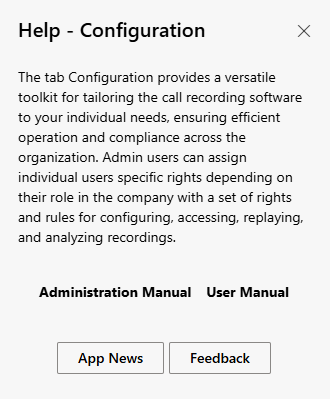
The following information is displayed:
- Short description and functionality of the tab
- The button Administration manual to call up the administration manual
- The button User manual to call up the User manual
- Die button App News for information on the current Release.
- Die button feedback for feedback on the system.
Example settings
- Click on the button User Manual
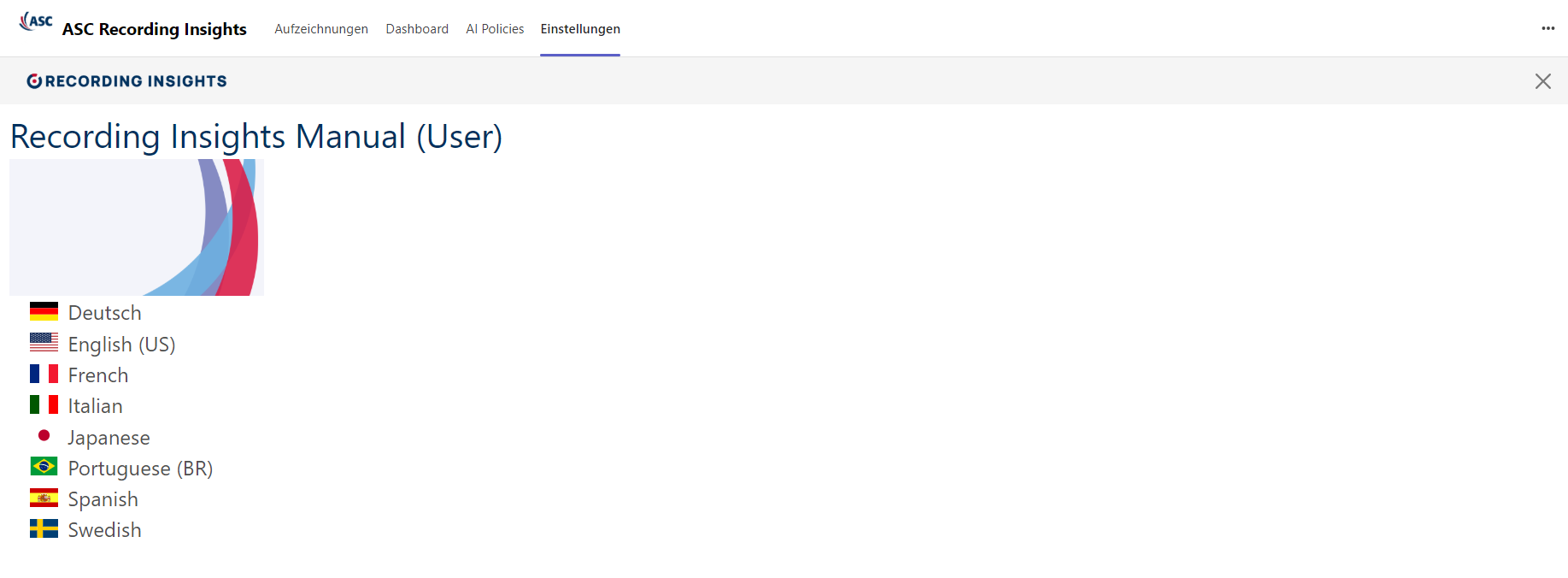
- The online help opens
- Click on the icon

- The online help is closed and the tab Settings is reloaded.