Bulk Operation: Remove from Case
- Select the option Remove from Case, to remove the selected recordings from a Case.
- The following window is displayed:
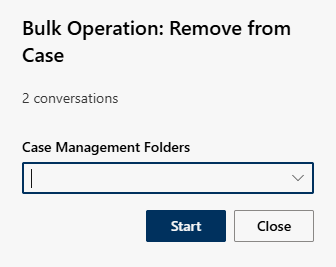
- Click in the field Case Management Folders.
- Select one or more directories from the drop-down list.
Activate the check box to select a directory.
Deactivate the checkbox to deselect one or more directories. - Click on the button Start to remove the selected recordings from the Case Safe.
Click on the button Close to cancel the operation.